
Free Online Tools for Images, PDFs, SEO & Code
Drop a file and pick what to do with it. Compress and resize images, merge PDFs, format JSON and more, across 195 free tools.
- No account required
- No watermarks
- Free to use
Browse tools by category
Find the right tool for images, PDFs, data, SEO, calculations, and more.
Popular tools
Direct access to frequently used image, PDF, developer, and calculation utilities.
JSON Formatter
Validate, format, tree-view and clean up nested JSON payloads instantly.
Open toolImage Compressor
Shrink JPG, PNG, and WebP files up to 90% without visible quality loss.
Open toolPDF Merger
Combine multiple PDF documents into a single organized file in seconds.
Open toolBase64 Tool
Encode and decode plain text, images, or binary data with live output.
Open toolImage Resizer
Scale photos to exact width, height, or aspect ratios in real time.
Open toolAge Calculator
Get exact age broken down in years, months, weeks, days, and hours.
Open toolSQL Formatter
Clean up, indent, and prettify standard SQL queries for better readability.
Open toolCompress PDF to Size
Target specific PDF file sizes like 100KB, 200KB, or 500KB for uploads.
Open toolComplete a task
Move through related tools in a connected step-by-step workflow.
Prepare an image for web
Resize dimensions, compress file size, convert to WebP, and strip EXIF privacy metadata.
Audit & improve a webpage
Run a live health audit, generate AI meta tags, create JSON-LD schema, and validate structure.
Assemble & protect a PDF
Combine multiple documents, compress total file size, and secure with password protection.
Work with multiple files
Apply one setting to a whole batch instead of repeating the same steps per file. 11 bulk tools cover format conversion, resizing, renaming and metadata.
Select files
Drag and drop several files at once
Choose settings
Set one format, size or pattern for the batch
Process the batch
Every file is handled with the same settings
Download results
Save files individually or together as a ZIP
Convert formats
5Resize and optimise
3Know where your data is processed
TryFormatter uses distinct processing models based on the task, ensuring speed, security, and full transparency.
Browser-based
Many image, PDF, formatter and converter tools process files or text directly in your browser without requiring a server-side conversion step.
Web-assisted
Some tools, such as live website audits, SEO analyzers, or IP lookups, need a secure network request to inspect public pages.
Latest guides
Practical step-by-step guides for image optimization, SEO, and developer workflows.
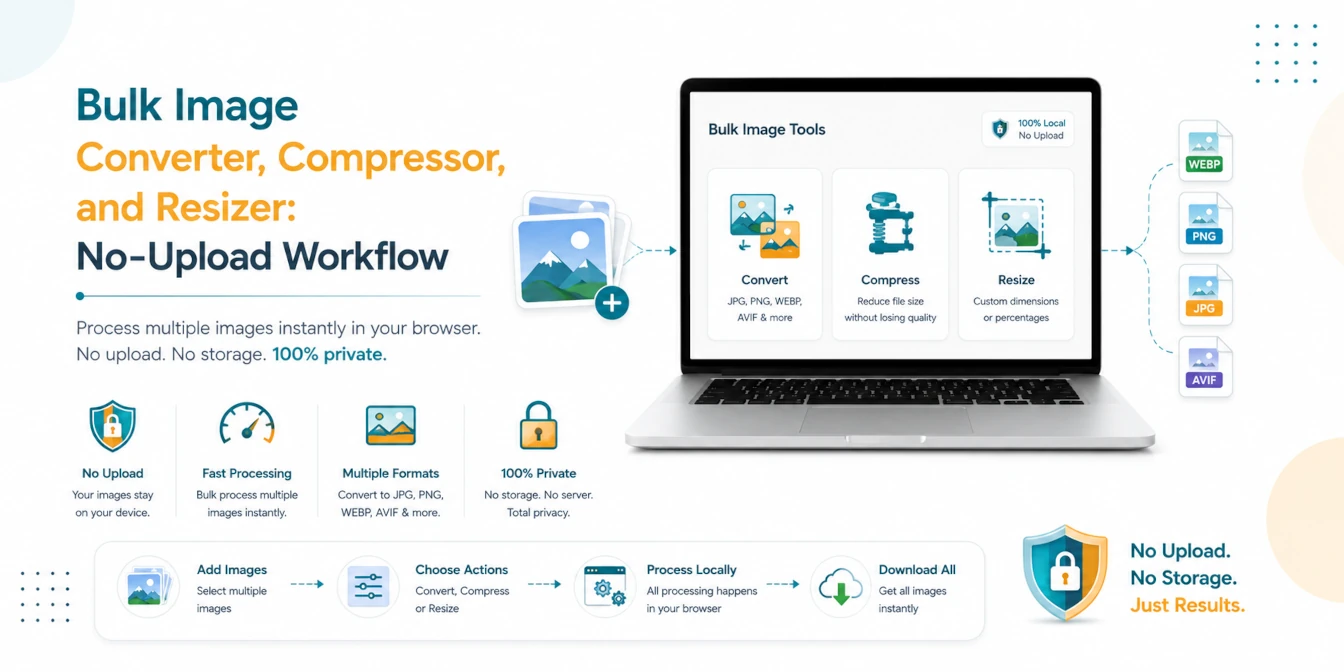
Bulk Image Converter, Compressor, and Resizer: No-Upload Workflow
Read our step-by-step practical guide.

JSON-LD Schema Guide for AI Search and Google Rich Results (2026 Edition)
Read our step-by-step practical guide.
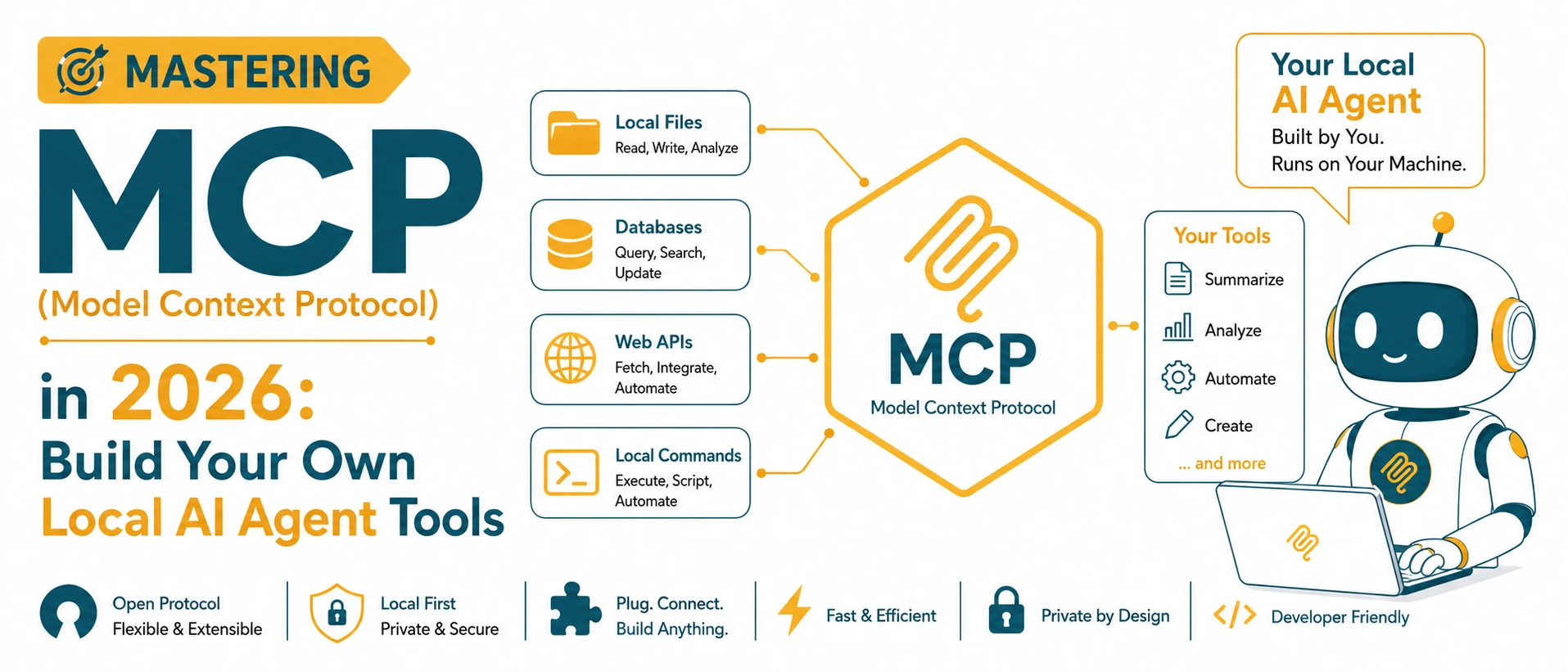
Mastering MCP (Model Context Protocol) in 2026: Build Your Own Local AI Agent Tools
Read our step-by-step practical guide.
About TryFormatter
TryFormatter is a collection of practical online tools for images, PDFs, converters, formatters, SEO, calculators, and everyday digital tasks. It brings together browser-based tools for image processing, PDF editing, code formatting, SEO auditing, and file conversion in one clean workspace.
Designed to remove bloat, sign-up friction, and unnecessary server uploads, every utility is built with privacy-first defaults and fast, direct workflows.

Tools organized around real tasks
Every tool supports a practical workflow — from image compression and PDF merging to JSON formatting and SEO audits.
Focused browser-native execution
Supported image, PDF, and code utilities run directly in your browser for fast, responsive workflows.
Built to respect your privacy
Uploaded files, pasted text, document contents, and personal file names are excluded from analytics tracking.
Move through connected workflows
Resize, compress, convert, and continue through related tools without starting over.
Frequently asked questions
Quick answers about privacy, browser execution, and using TryFormatter.
Is TryFormatter free to use?
Yes, all online tools on TryFormatter are free to use with no hidden fees or subscription barriers.
Do I need to create an account?
No account or login is required. You can start using any tool immediately without signing up.
Which tools process files directly in the browser?
Most image manipulation, PDF editing, code formatting, and converter tools run entirely client-side in your browser, meaning your data never leaves your device.
Are all tools 100% client-side?
No. While local tools run in your browser, tools requiring live website checks (such as SEO audits and URL fetchers) use a secure server request to inspect public pages.
Can I use TryFormatter on mobile devices?
Yes. TryFormatter is responsive and optimized for mobile browsers, smartphones, tablets, and desktops.
Where can I find a specific tool?
You can use the instant search bar at the top or bottom of the homepage, browse by category, or visit the All Tools directory.
Find the tool you need
Search 195 free online utilities, or browse them by category.